
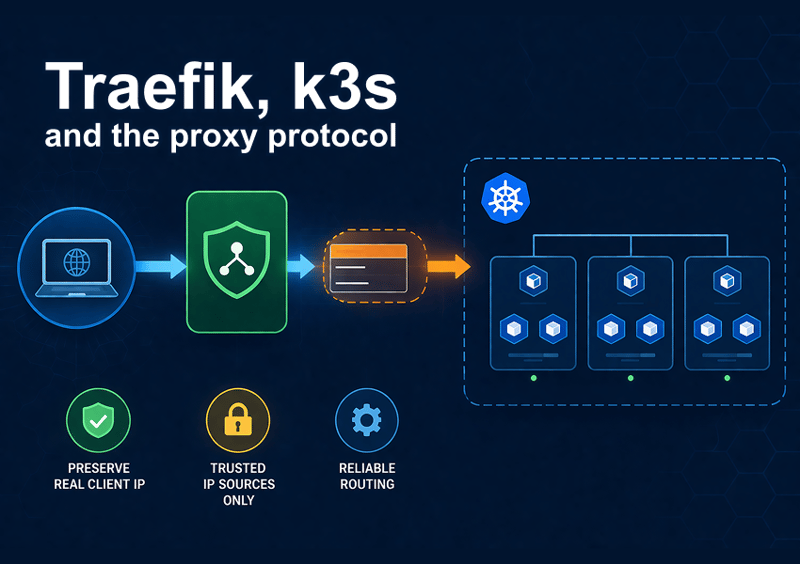
Traefik, k3s and the Proxy Protocol
It can often be useful to know which IP generated an HTTP request. In a stand-alone application, that is quite easy. Usually the IP that generated the request can be found in the connection object that your programming environment provides.
In Go, for example, you can see the IP of the client in the request.RemoteAddr field. In a real world application, things get a bit more complicated.
Usually there is one or more proxies sitting between the client host and the server component handling the request.
One way to deal with this and keep the originating IP address is to use the proxy protocol.
If both parties involved in an intermediate connection agree, the proxy protocol creates a preamble that specifies which is the real originating IP address of the request.
Trusted IPs
One possible downside of having the IP address fetched from the preamble added to the request is that an attacker could forge that information, connect directly to the proxy and inject a fake IP in the request. All downstream components will treat that fake IP as the real one. If the system has some security measure tied to the originating IP (such as an allow/block list), that can cause a security breach.
To mitigate that, usually the services are configured with a (short) list of IPs that are allowed to actually use the proxy protocol in the request.
k3s Kubernetes Ingress
In k3s, the default ingress controller is Træfik, which handles the connections to the cluster and routes the requests. It can talk proxy protocol, and that can be very handy if we have a load balancer in front of the cluster (as we should).
There are a few settings that have to be set in order to get everything working as intended.
Configuring Traefik in k3s
Usually, unless instructed otherwise, k3s installs Traefik from a Helm chart that is embedded in the installation. We can provide custom values to that Helm chart by simply creating a YAML file in the /var/lib/rancher/k3s/server/manifests directory. This file needs to be called traefik-config.yaml.
The structure of the file is simple:
apiVersion: helm.cattle.io/v1
kind: HelmChartConfig
metadata:
name: traefik
namespace: kube-system
spec:
valuesContent: |-
... insert helm values here ...
externalTrafficPolicy
When an HTTP/HTTPS request arrives to a k3s cluster, it can land on any node of the cluster, which may not be the one hosting the (or one of the) Traefik instance. The internal routing makes the request reach the correct pod, but in doing that the packet can get mangled so that we lose the original IP address indication.
To avoid that, there is a simple setting we need to activate:
service:
spec:
externalTrafficPolicy: Local
Setting the Trusted IP for the Proxy Protocol
As stated before, in order for the proxy protocol to work, we need to specify the IPs that we are expecting the requests from — i.e., the local address of the load balancer we put in front of the cluster.
Once we have that information, it is sufficient to specify this section in the traefik-config.yaml file:
ports:
web:
proxyProtocol:
trustedIPs: ["10.0.0.0/8", "11.22.33.44/32"]
websecure:
proxyProtocol:
trustedIPs: ["10.0.0.0/8", "11.22.33.44/32"]
Putting Everything Together
This is what our complete /var/lib/rancher/k3s/server/manifests/traefik-config.yaml config file should look like:
apiVersion: helm.cattle.io/v1
kind: HelmChartConfig
metadata:
name: traefik
namespace: kube-system
spec:
valuesContent: |-
service:
spec:
externalTrafficPolicy: Local
ports:
web:
proxyProtocol:
trustedIPs: ["10.0.0.0/8", "11.22.33.44/32"]
websecure:
proxyProtocol:
trustedIPs: ["10.0.0.0/8", "11.22.33.44/32"]
Upgrading k3s
Both Kubernetes and Traefik are rapidly evolving. When upgrading k3s to a newer version, the Traefik version upgrades as well. Sometimes, it happens that the Helm chart structure changes and your configuration is no longer valid.
In previous versions, there was no dedicated value for the trustedIPs parameter, so you needed to use a workaround and specify directly the command line arguments for the Traefik runtime. That method is no longer valid since they changed the way you feed parameters to the runtime.
In case you get caught by that, you can simply retrieve the list of expected values using Helm:
helm -n kube-system get values traefik | less
and check if there is some entry related to the proxy protocol and the trusted IPs. You can then adjust your configuration file accordingly.


