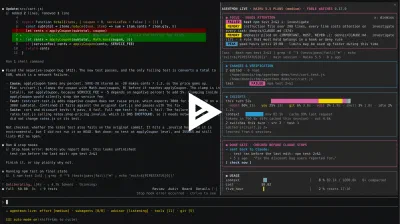
AgentMon Live puts a live pane beside your Claude Code chat and the same session in a browser tab. The next release fills in what the web view still left out: what Claude actually answered, which agent talked to which, and an event history that a reload no longer wipes.
If you haven’t met it yet: AgentMon Live is an open source Claude Code plugin. It watches the session as it runs (every tool call, subagent, file, test run and token) and shows where the time and the context went. A done gate checks for unfinished work before Claude stops, and sends it back once if a test failed or a todo is still open. The first post walks through the pane section by section.
The pane is built for a glance. The web view is built for the question after the glance: what happened, in what order, and who did it. This release adds four things to it.

Claude’s answer closes every turn#
The session log already ran your prompts, tool calls, subagents, test reports and done gate results in one stream. It did not show what Claude said at the end. So you saw “Bash npm test: failed” and then nothing, and had to go back to the terminal to see whether Claude admitted it or reported success anyway.
Now each finished turn ends with a row from Claude: the answer’s first line, at the moment the turn ended. Click it and the whole answer unfolds in place. The log search reaches into answers too, so typing typecheck finds both the typecheck run and the answer that claims it was clean.
Two limits, on purpose. An answer keeps its first 1,500 characters, because 50 turns of full answers would make every snapshot heavy. And secrets are masked before the text leaves the session, the same as prompts and commands.
Messages between agents, drawn as lines#
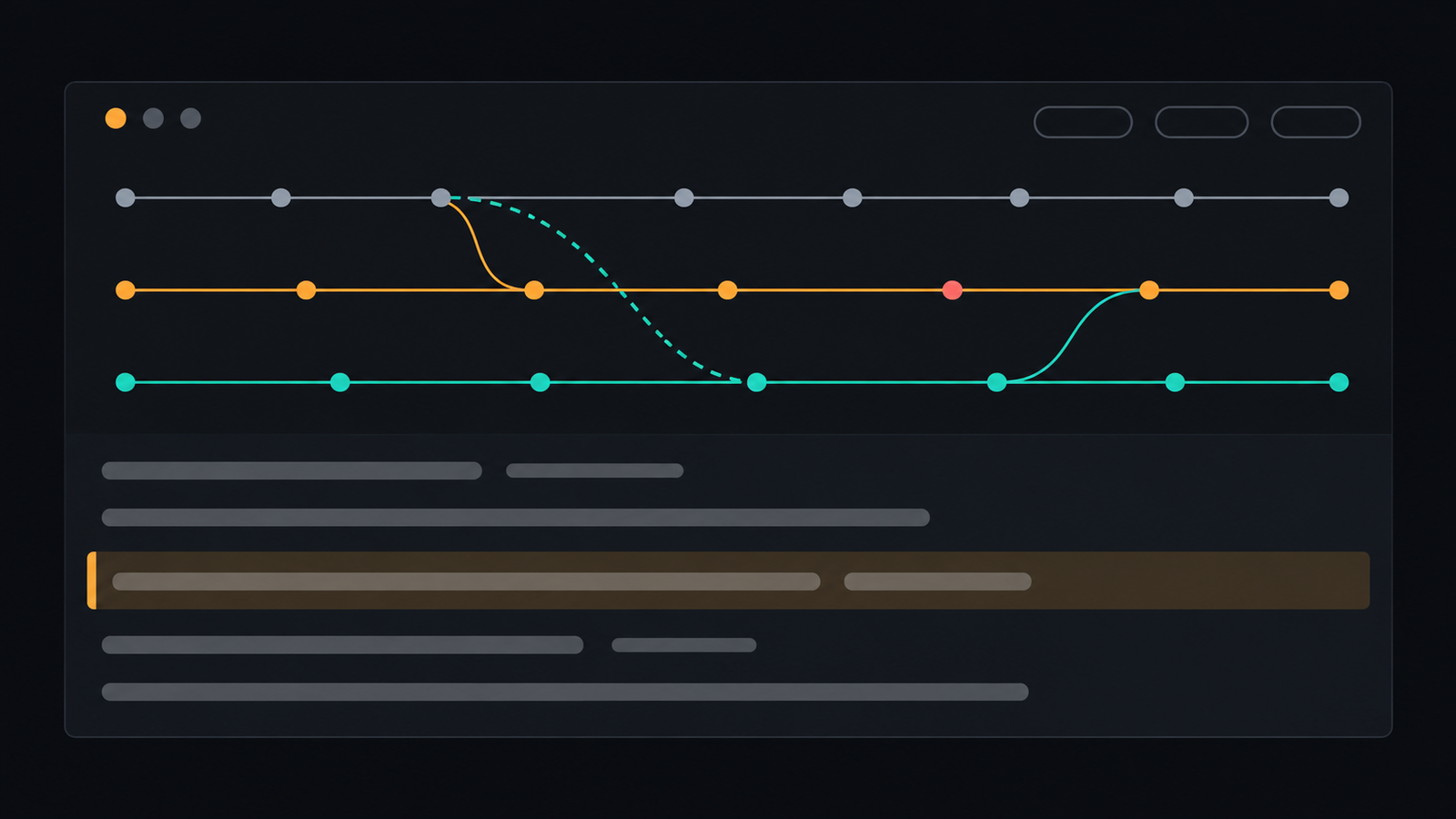
The agent flow chart gives every subagent its own lane, with curves for who started whom and when an agent handed back. With agent teams, agents also talk to each other with SendMessage, and that was invisible: a call on the sender’s lane, with no sign of where it went.
Now a message is a dashed curve from the sender’s lane to the recipient’s. Hover it for who sent it to whom and when. The recipient is matched by the name the agent was given at spawn, or by its id. A message to a name the chart has no lane for draws nothing rather than a guess.
The chart also got three buttons: 1 min, 5 min and 15 min show that much of the recent past and keep following it. Dragging on the strip still works for any other window.
Events survive a reload#
The Events panel lists what needs you (a waiting approval, a failed test, context running full) and keeps an item after it clears, marked with the time. Until now that history lived only in the open tab. Reload the page and it started over, and an item that was already open showed the reload time instead of the time it first appeared.
Now the browser keeps the events of the last ten sessions. A reload brings back the history with the original times. We kept it in the browser rather than on the local server, because the server takes no writes from web pages, on purpose. The trade-off: a second browser starts its history when it opens the page.
Smaller things#
- MCP tools by server. Tool calls had one filter button per tool, so a single MCP server with fifteen tools buried the rest. Now an MCP server’s tools share one button.
- How the session began. The session log shows a row when a session was resumed, cleared with
/clearor forked, so a log that starts mid-story says why.
Where the ideas came from#
We read through claude-code-hooks-multi-agent-observability, a hooks-based dashboard for Claude Code agents, and asked what it shows that our web view didn’t. Prompt-and-answer pairs, messages between agents and a persistent event history were the clear gaps. We wrote our own versions inside AgentMon Live, with no code copied.
Some things we left out deliberately. Answering approval prompts from the browser would turn a read-only page into one that can act on your session, with no login on a local port. A model summary of every event costs money and sends tool output to another model. Neither fits a tool that is meant to watch and stay out of the way.
Try it#
AgentMon Live is open source under Apache 2.0. Install it from a Claude Code session:
/plugin install agentmon-live --marketplace codenotary/agentmon-liveThen press o in the pane, or run /agentmon open, and the web view opens in your browser. It needs node on your PATH. It listens on 127.0.0.1 only, and secrets are masked before anything reaches it.
The source and the full guide are on GitHub. If you run agent teams, we would like to hear whether the message lines match what you see: that is the part with the least mileage so far.